DoorLoop brings leasing, maintenance, reporting and communication into one platform. Our focus is the human coordination between those records, not account access or a sales recommendation. See the official product overview ↗
EIGHT FIELD NOTES
The practical reading desk.
Choose the task in front of you. Each article separates documented features from original workflow advice and links back to the official source.
Separate user role, property scope and assigned-task visibility when investigating a missing record, without sharing credentials or granting broad access by default.
Pick a broad task, its stage and the next audience. Get a checkable outline, not a work order, legal checklist or approval. No names, addresses, amounts, entry codes or files.
Choose a task to see a checklist. Nothing is saved or sent.
Use the checklist without JavaScript
For possible immediate danger, use emergency services or the property’s verified emergency procedure. Do not wait for a routine handoff.
Maintenance: preserve the reported symptom and verify access arrangements separately.
Move-in: separate the lease record, documents, portal access and arrival arrangements.
Documents: identify purpose, current version and intended recipient.
Reports: identify the question, report scope and date basis before reading totals.
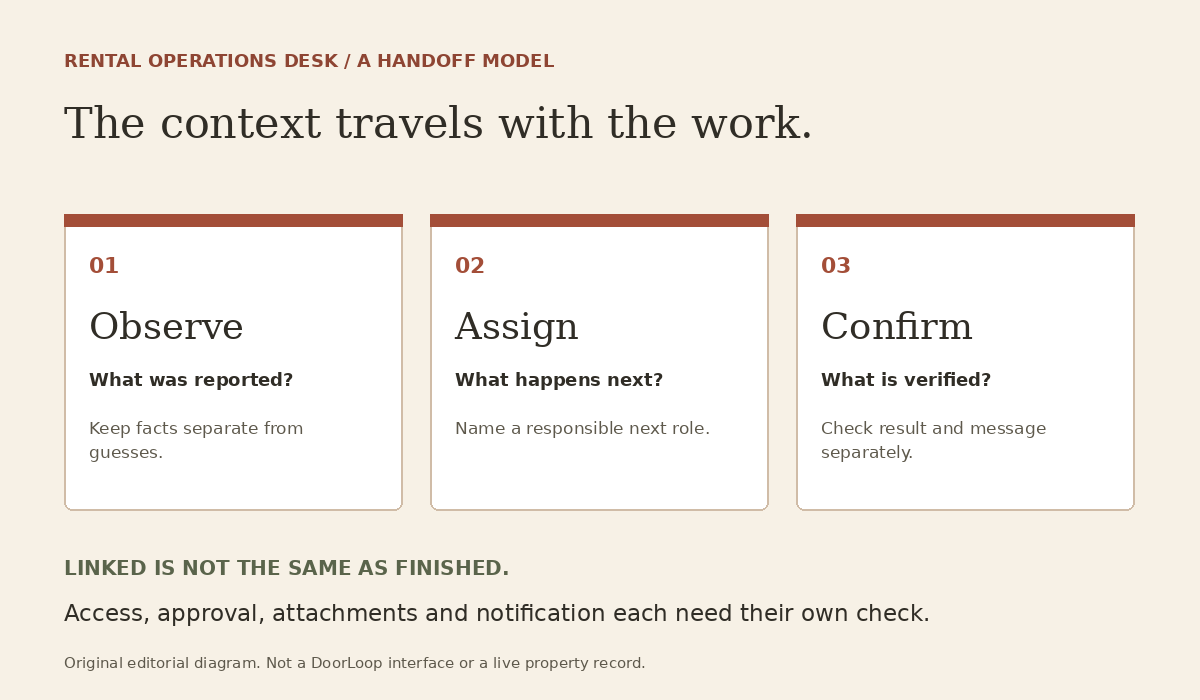
At intake, distinguish confirmed facts from missing information. At assignment, name the next responsible role. At completion, check the result and communication separately.
Review the audience. Share only relevant, authorized information; an internal note is not automatically suitable for a resident, vendor or owner.
Choices and checked steps stay in this page only. Reset or reload clears them. This tool cannot submit a request, invite anyone, send a message or change a DoorLoop record. Read the handoff guide for the boundaries.
For actual software instructions or account help, use the official DoorLoop Help Center. For a property issue, contact the verified property manager. Never send tenant records, passwords or entry codes to this publication.